



Oops... looks like the spiders padded through here
Add products to your cart and remove them from here Lets buy



On this page you will find everything you need to know about the party features on the plugin.
To create a party and play with your friends, simply execute the /party create command. This will create a party with you as the leader, allowing you to invite other users to join.
Now, the party management menu will come up. From that menu you can: Invite other users, split the party, disband the party, challenge another party, or play private party ffa.
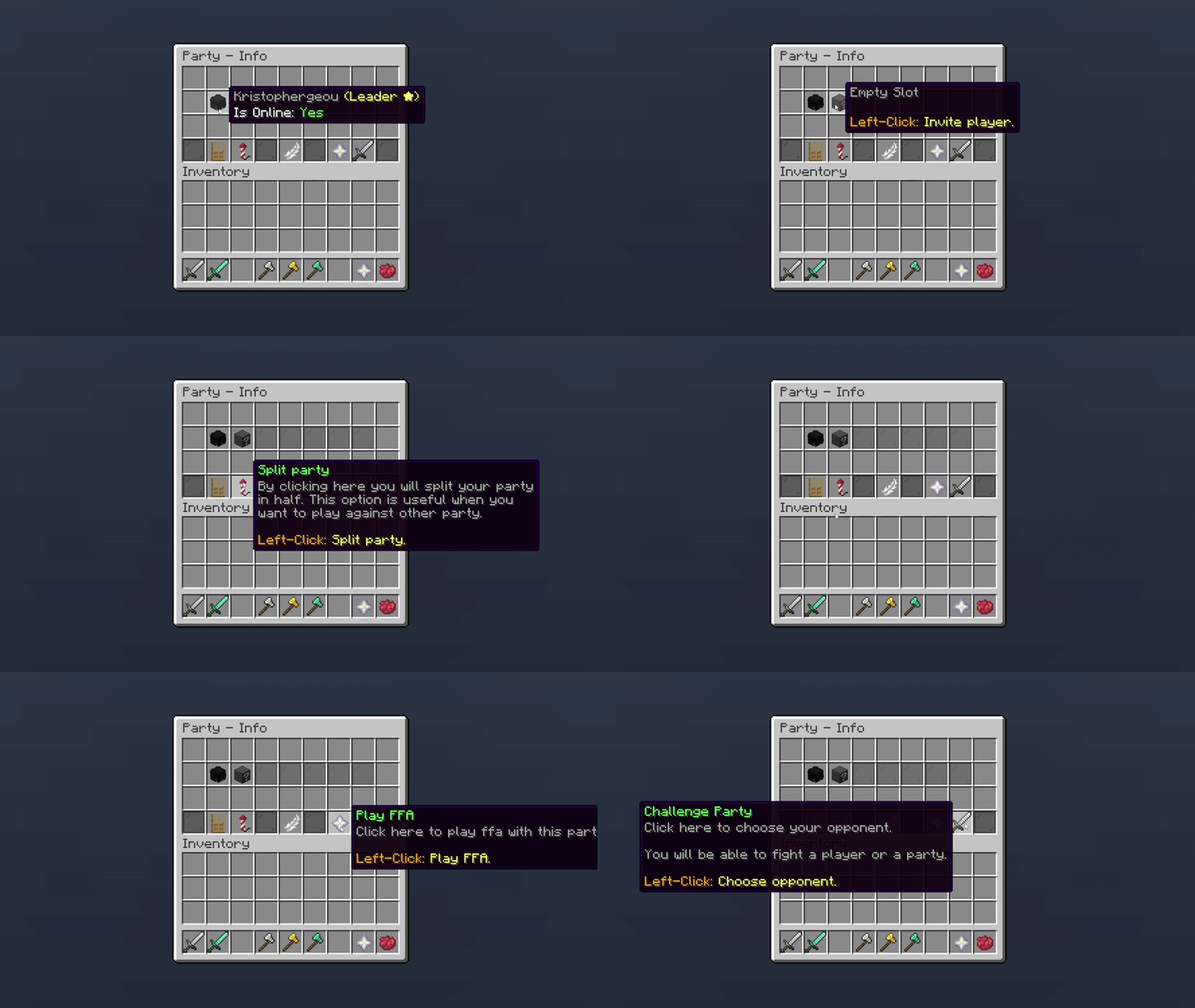
Party Management
To set a party limit, you can change the default value in the plugin’s settings or modify it directly in the configuration file.
party:
  default-slots: 5

Editor > Settings
To increase the party size for an individual player, you can assign them a specific permission. You can create multiple options in the configuration for the maximum number of players allowed.
party:
  default-slots: 5
  permission-slots:
    '0':
      amount: 10
      permission: phoenixduels.partymembers.10
    '1':
      amount: 15
      permission: phoenixduels.partymembers.15
Oops... looks like the spiders padded through here
Add products to your cart and remove them from here Lets buy