



Oops... looks like the spiders padded through here
Add products to your cart and remove them from here Lets buy
On this page, you will learn how to configure the the slots for the kits.
With default slots, you can set the number of slots players will have. By default, this is set to 3, allowing users to create up to 3 custom kits.

Default Slots
As shown below, the user has access to only 3 custom kits, as specified above.

Locked Slots
With Permission Slots, you can grant users additional slots beyond the default ones. Keep in mind that these are extra slots, not replacements for the default slots.

Permission Slots
To create a new permission slot, simply click on the green stained glass.

Add Permission Slot
After that, you’ll need to specify the permission you want your users to have and the number of slots to grant. There’s also an option to delete a specific slot if needed
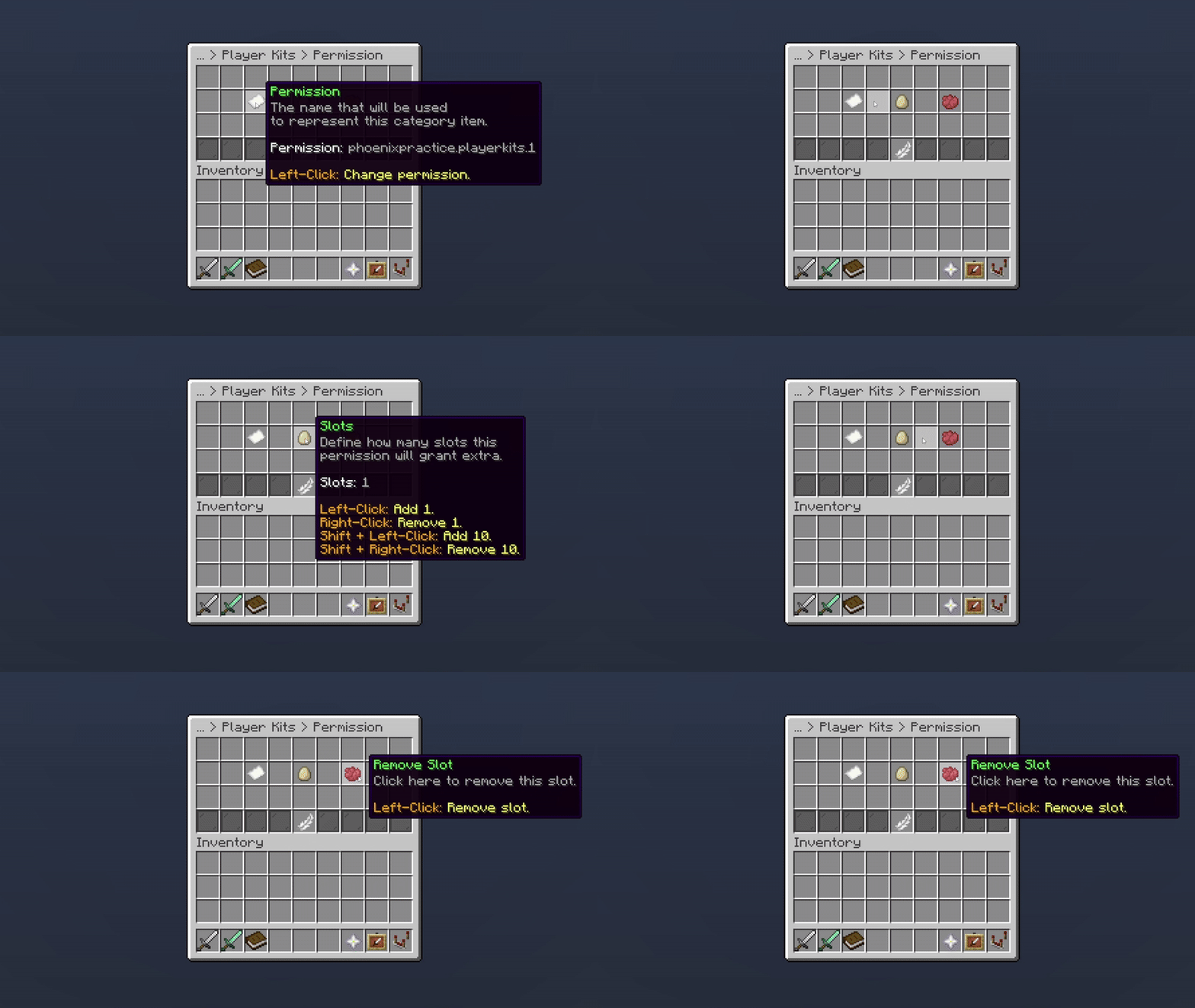
Permission Slot
Oops... looks like the spiders padded through here
Add products to your cart and remove them from here Lets buy