



Oops... looks like the spiders padded through here
Add products to your cart and remove them from here Lets buy
With this option, you can set an identifier for the rank. Note that the arena identifier is unique and used internally by the plugin, and it's different from the display name.
If your server is in production, we don't recommend changing this value.
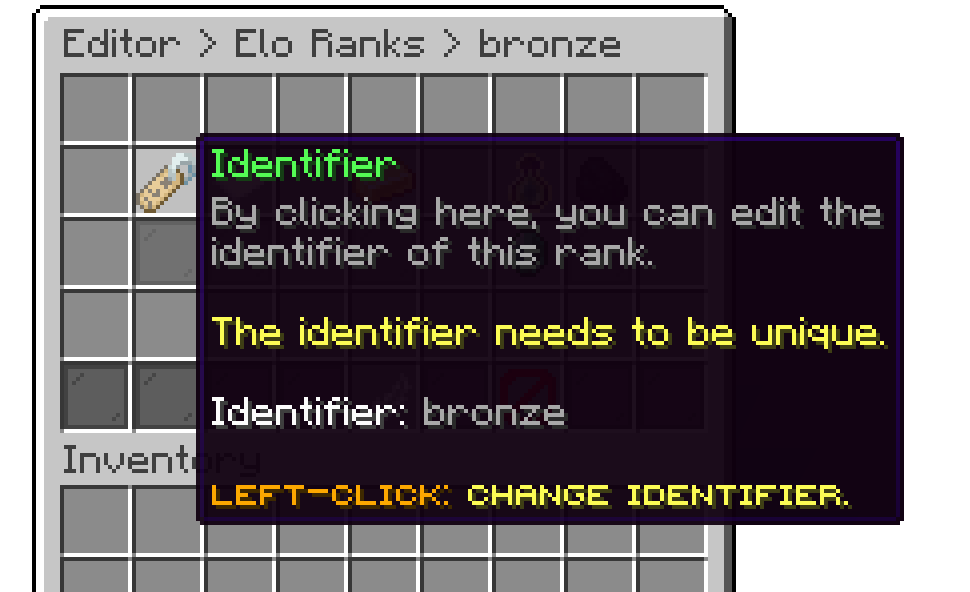
Editor > Settings > Elo > Ranks > Rank
With this option, you can adjust the display name of the rank, the material that it will have, and its lore.
For the display name, you can use the default Minecraft color codes. For hex colors, use the &#D6D045 format.
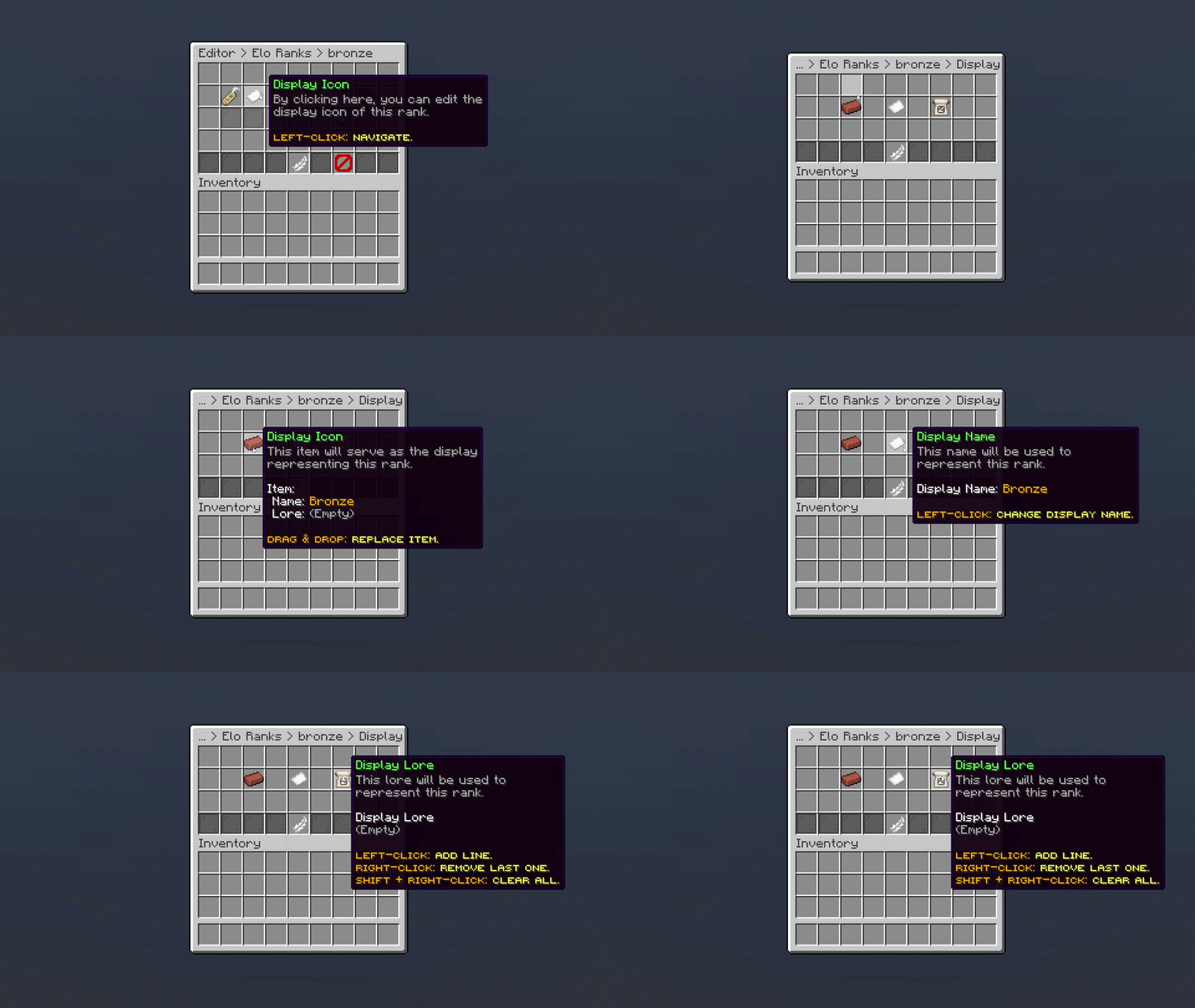
Editor > Settings > Elo > Ranks > Rank
With this option, you can define the required elo which players need to reach to get that rank.
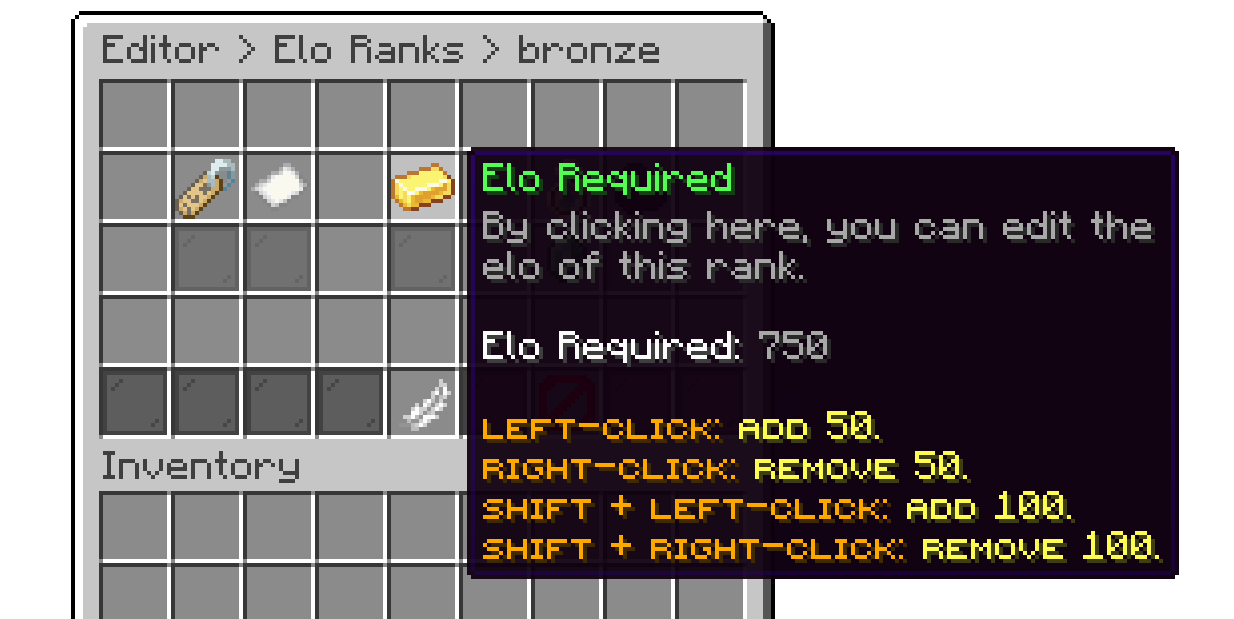
Editor > Settings > Elo > Ranks > Rank
With this option, you can execute actions when a player ranks up, ranks down, or ranks up for the first time.
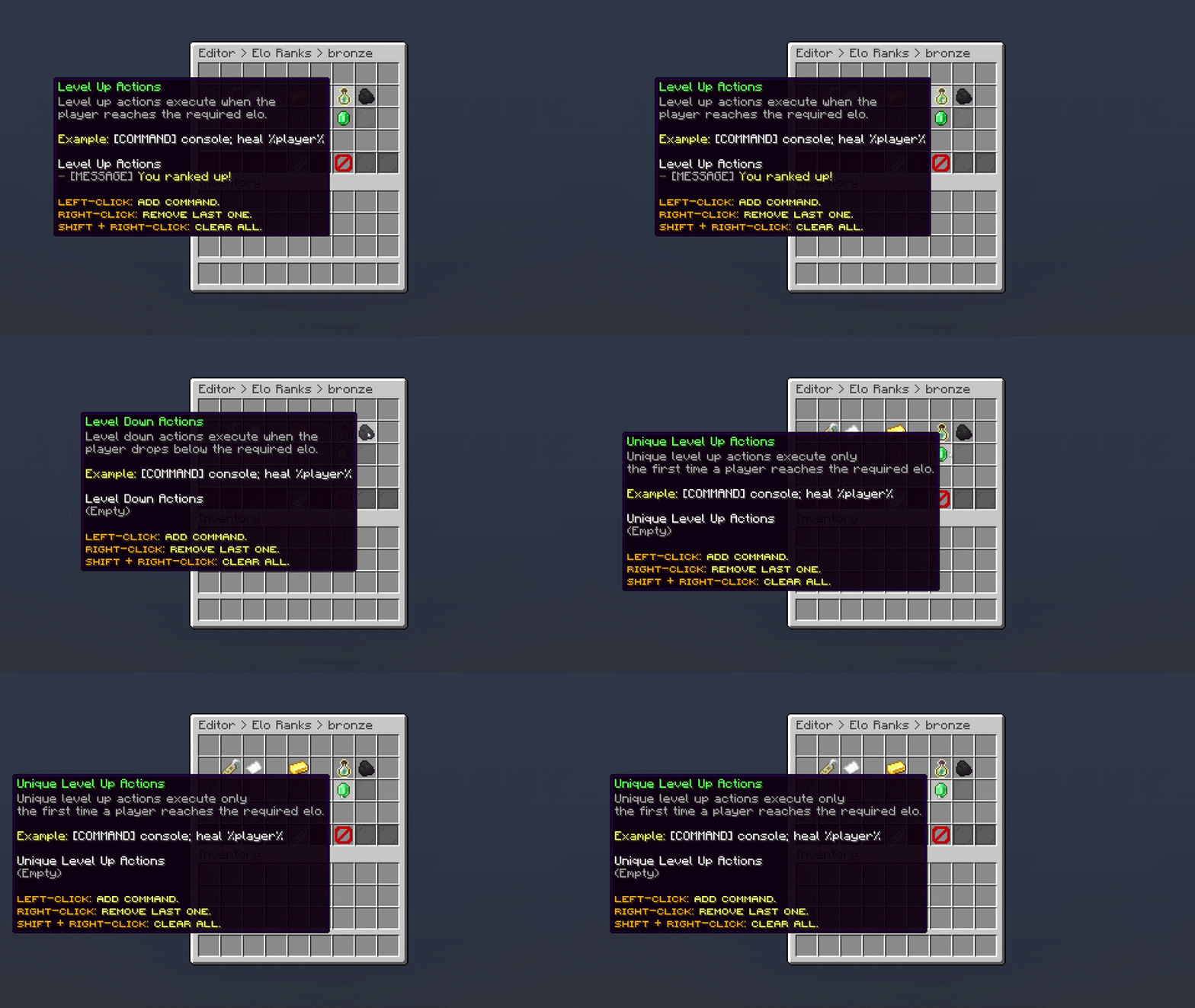
Editor > Settings > Elo > Ranks > Rank
Oops... looks like the spiders padded through here
Add products to your cart and remove them from here Lets buy