



Oops... looks like the spiders padded through here
Add products to your cart and remove them from here Lets buy
On this page, you will find more information about the custom nametags settings and how to configure them.
The Custom Nametags setting displays a nametag above the player’s name and in the tab list.
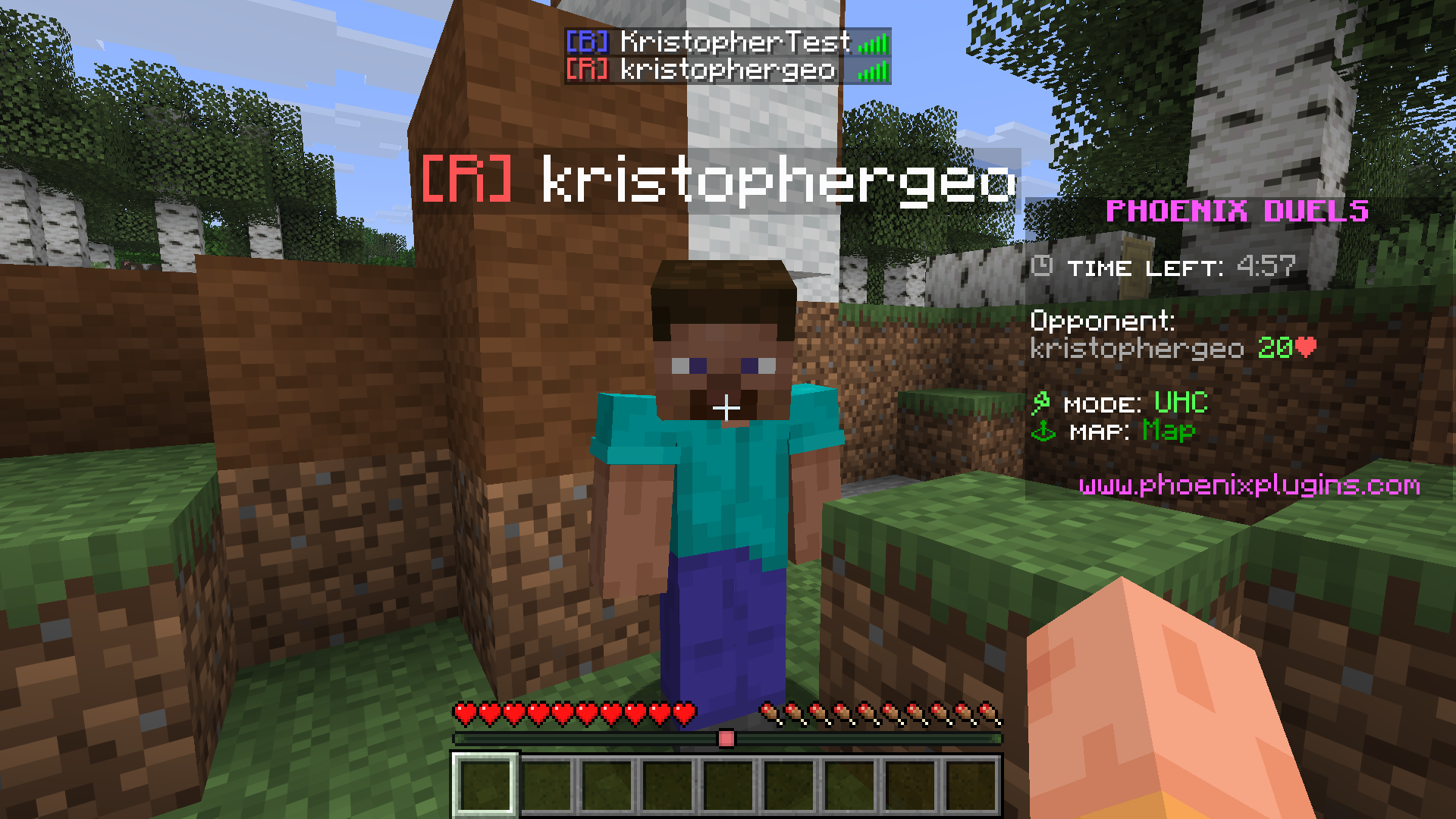
Editor > Settings > Custom Nametags
This option allows you to define whether the nametags will be enabled or not in the matches. By default, this option is enabled.
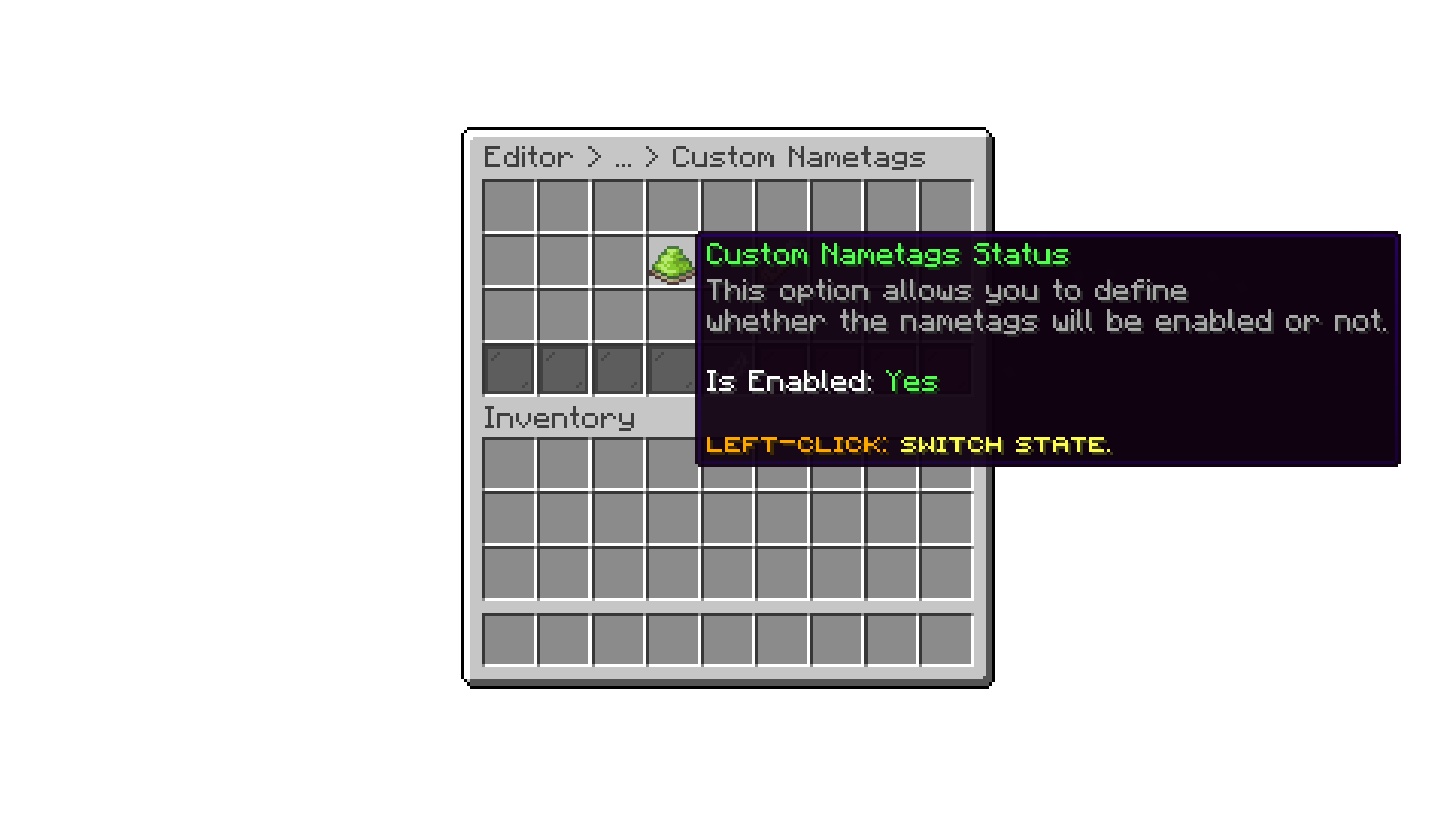
Editor > Settings > Custom Nametags
This option allows you to customize the nametags format.
The default format for the custom nameplates is %color%[%team%] which are internal placeholders.
If you want to use the custom nametags on an external plugin that supports PlaceholderAPI,
you can use %phoenixduels_nametag_color%[%phoenixduels_nametag_letter%] instead.
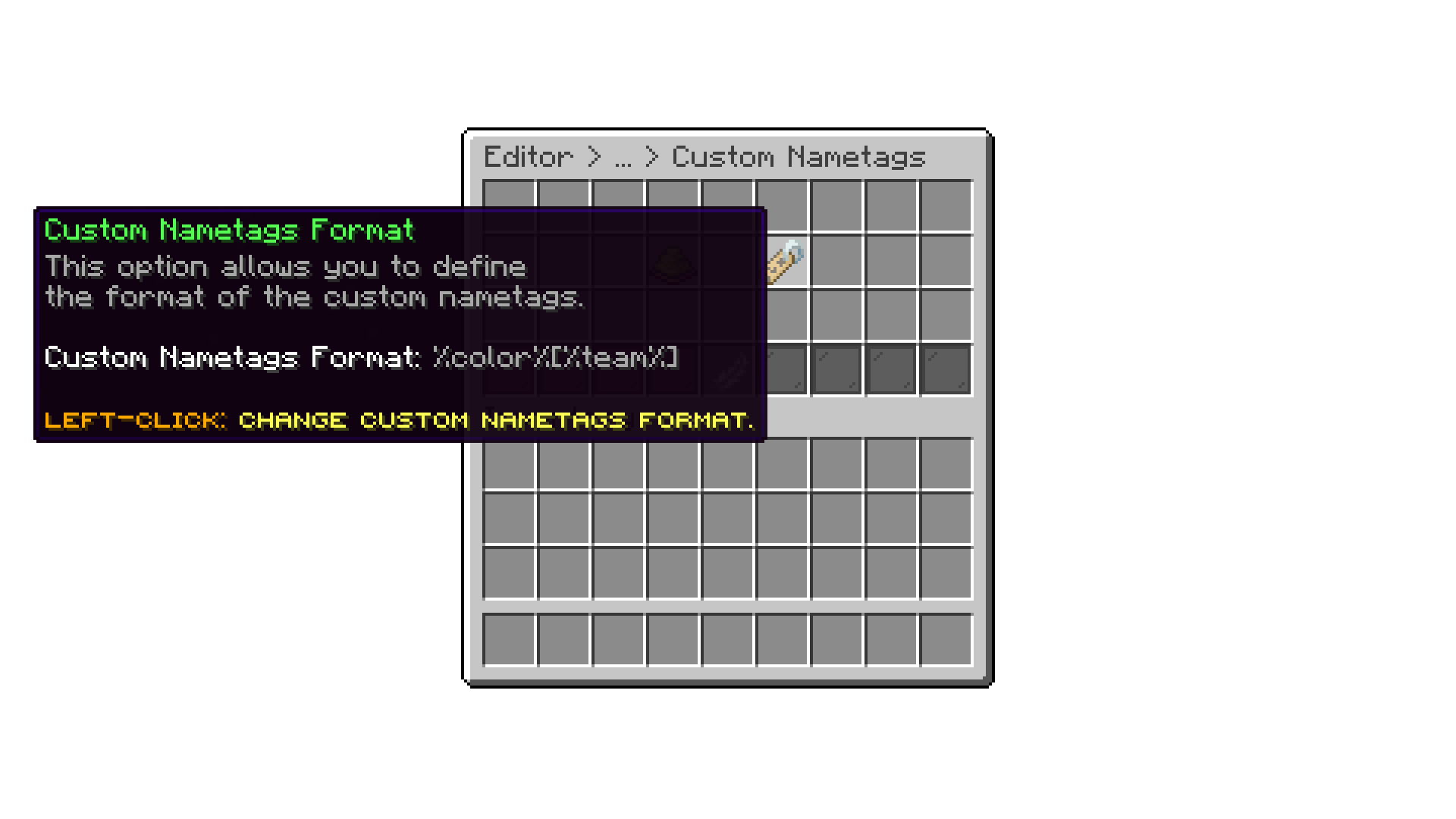
Editor > Settings > Custom Nametags
Oops... looks like the spiders padded through here
Add products to your cart and remove them from here Lets buy