



Oops... looks like the spiders padded through here
Add products to your cart and remove them from here Lets buy
On this page, you will find more information about the match settings and how to configure them.
All match-related settings can be found in this category, where you can navigate and configure them.
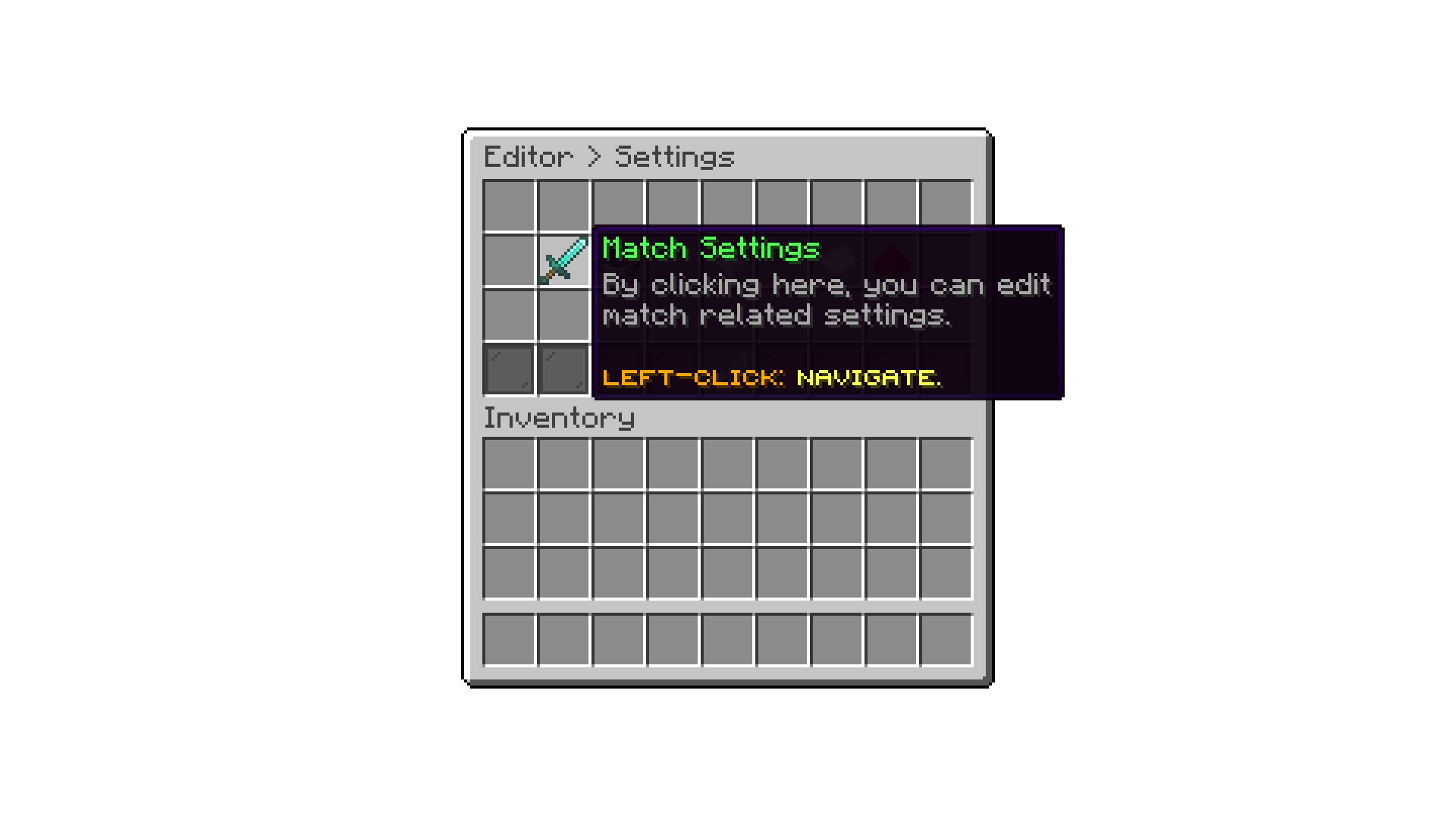
Editor > Settings
With the Default Finishing Seconds setting, you can define for how long players will need to wait before leaving the arena.
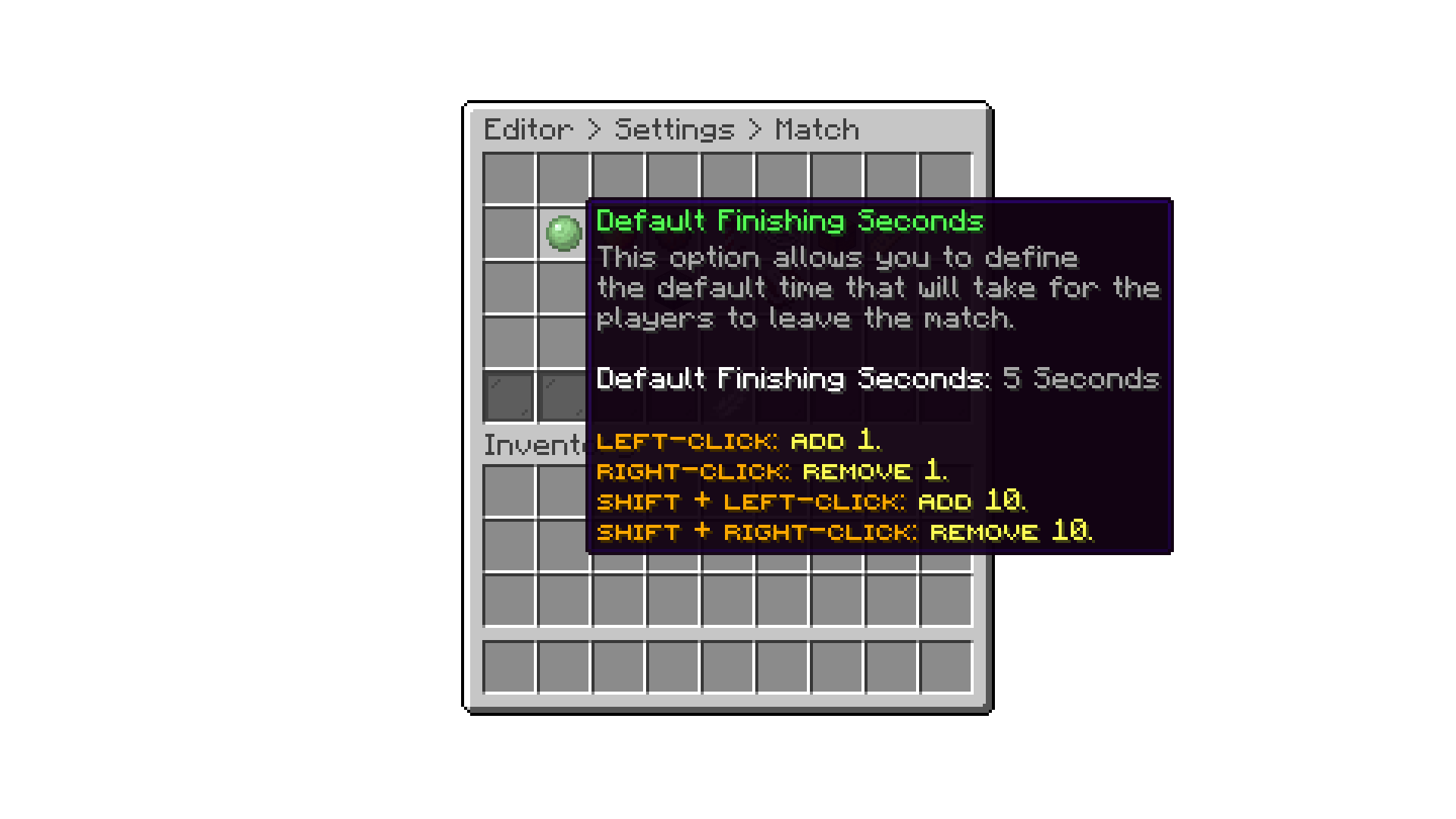
Editor > Settings > Match Settings
With the Maximum Allowed Rounds setting, you can define the maximum number of rounds a match can have. This is useful to prevent players from setting a match with an infinite number of rounds, which can cause arenas to be occupied for a long time.
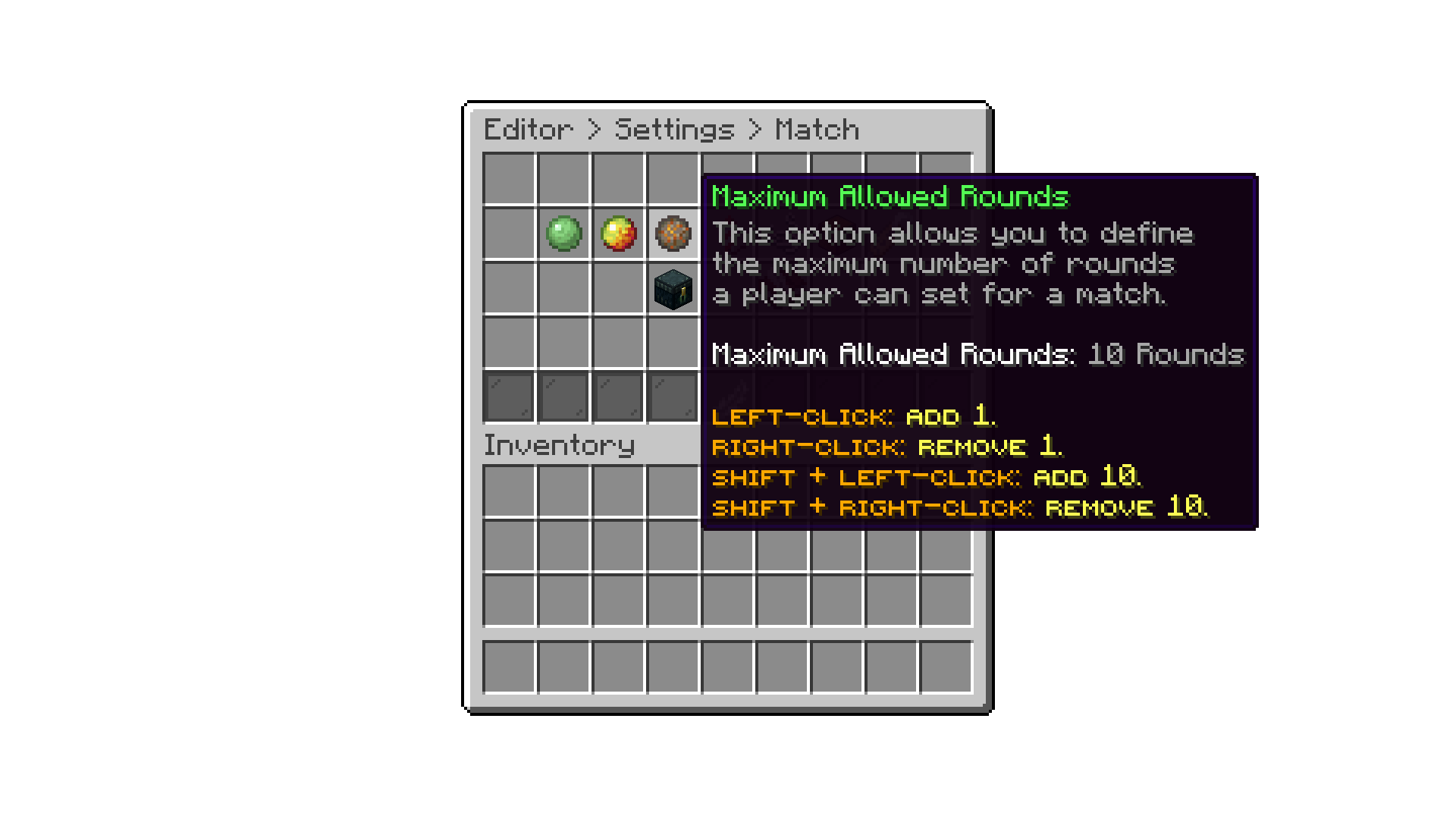
Editor > Settings > Match Settings
With the launch fireworks for winner setting, you can enable or disable the fireworks that are launched for the winner at the end of a match. By default, this setting is enabled.
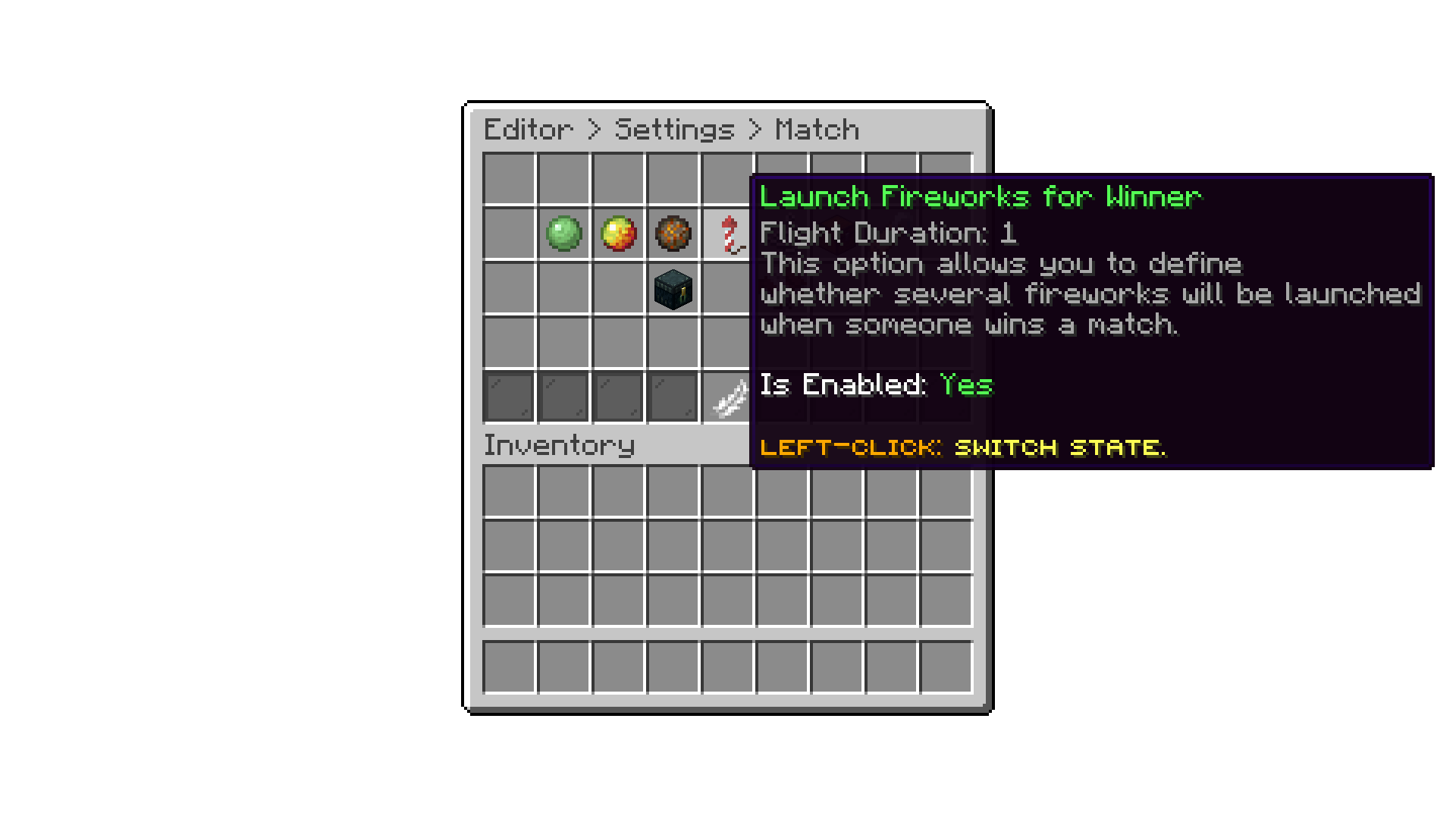
Editor > Settings > Match Settings
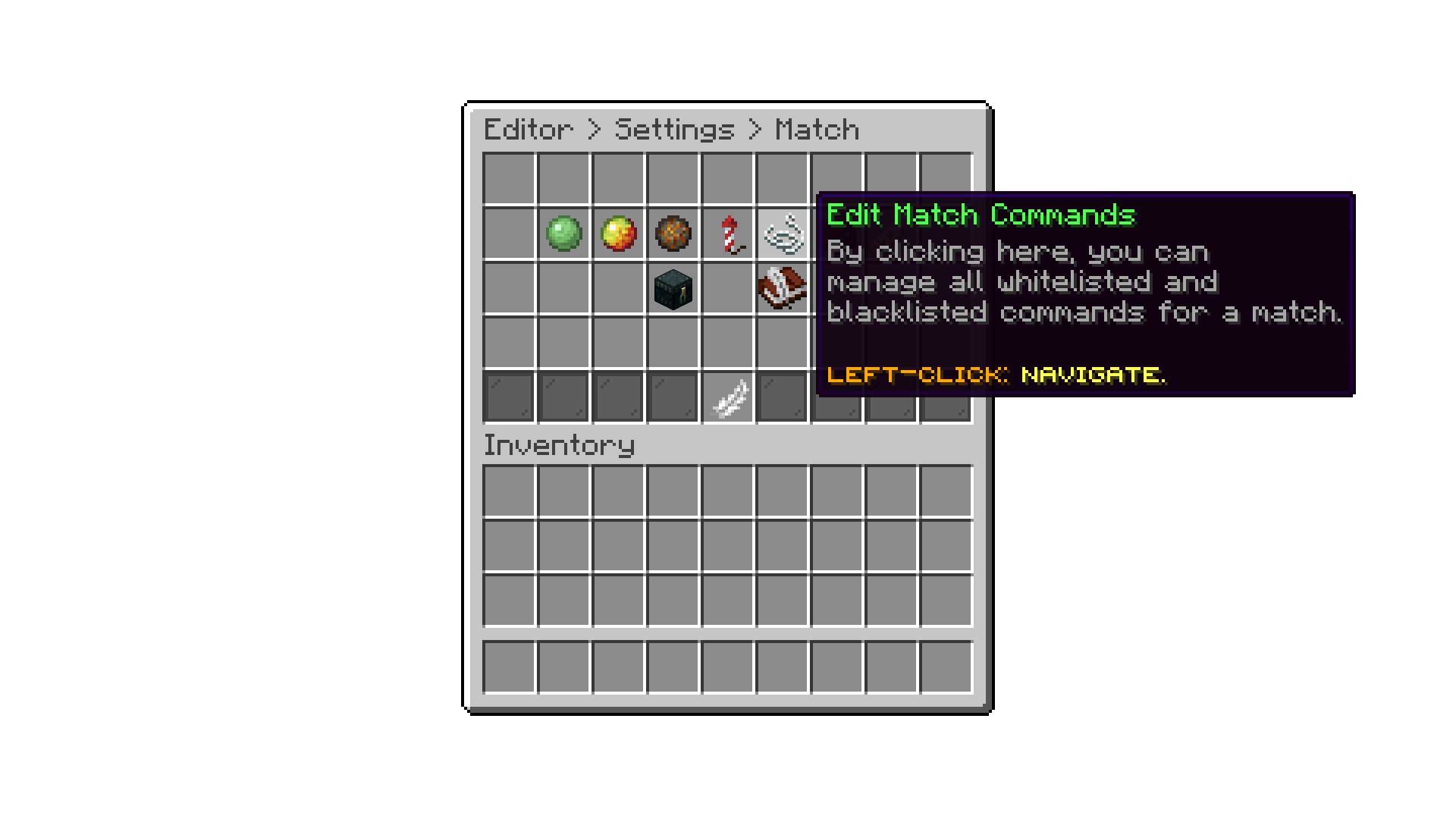
With the edit match commands setting, you can configure the commands that can be executed or not being executed during a match.
Editor > Settings > Match Settings
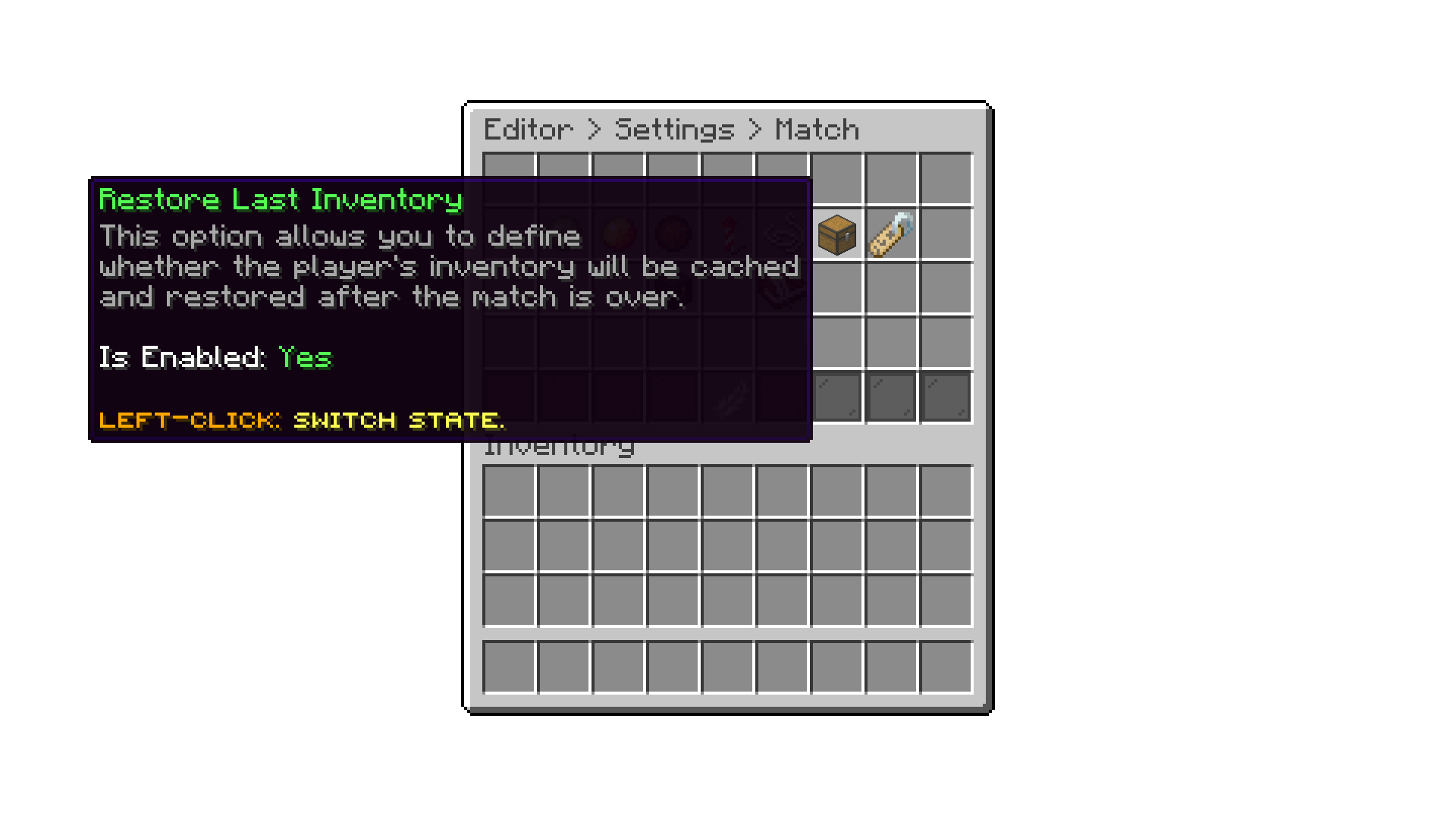
With the restore last inventory setting, you can enable or disable the option for players to restore their inventory after a match. By default, this setting is enabled, allowing players to easily get back their items after a match. This option works with the Player Inventory as the game modes Loadout Type.
Editor > Settings > Match Settings
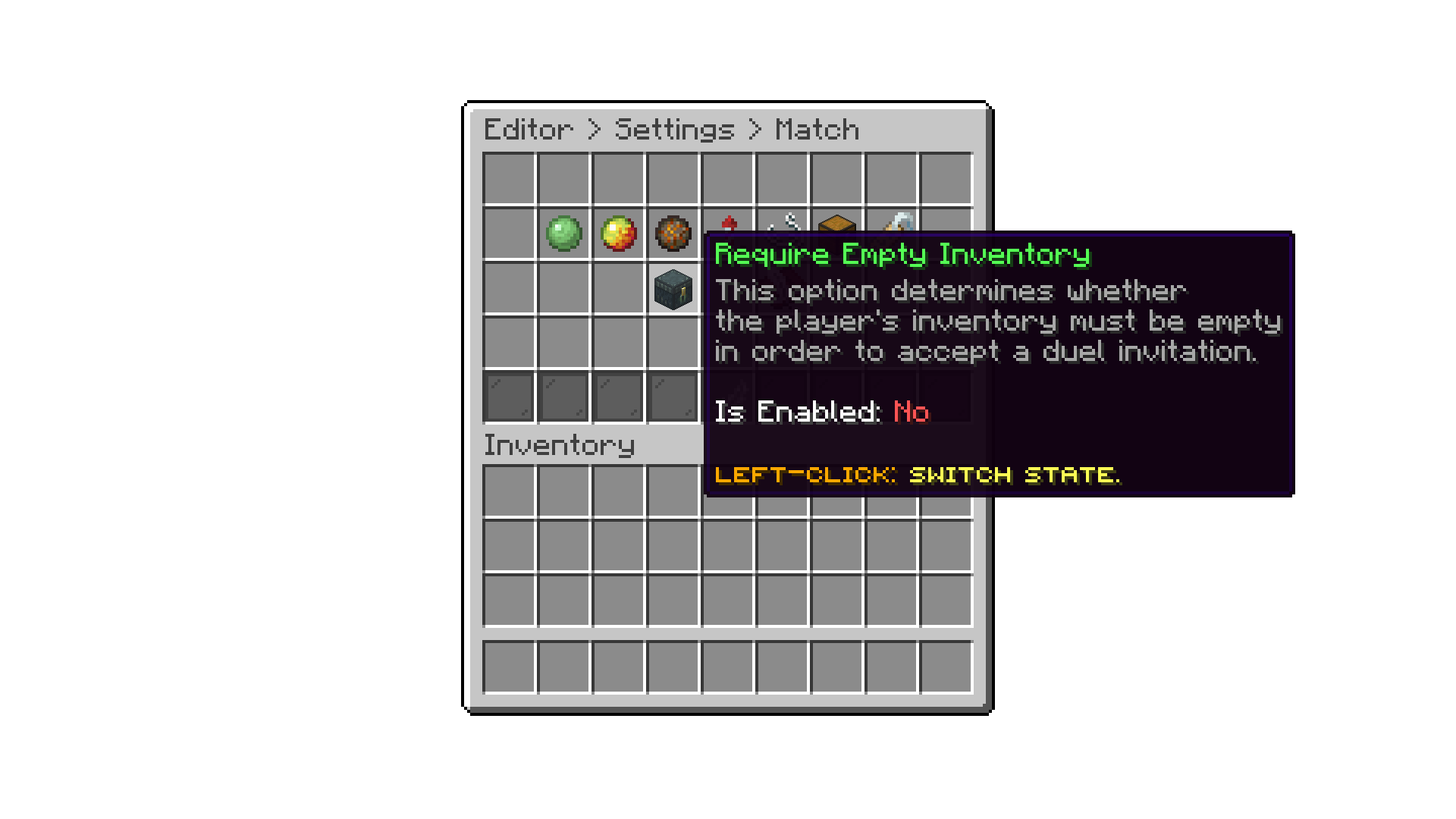
With the require empty inventory setting, you can enable or disable the requirement for players to have an empty inventory before joining a match. By default, this setting is disabled, allowing players to join matches with items in their inventory.
Editor > Settings > Match Settings
Oops... looks like the spiders padded through here
Add products to your cart and remove them from here Lets buy