



Oops... looks like the spiders padded through here
Add products to your cart and remove them from here Lets buy
On this page, you will find all the information about assigning a rarity to a reward.
The Rarity feature requires the Pro plan of Phoenix Crates.
By assigning a rarity to your rewards, you can easily organize them across different crates.
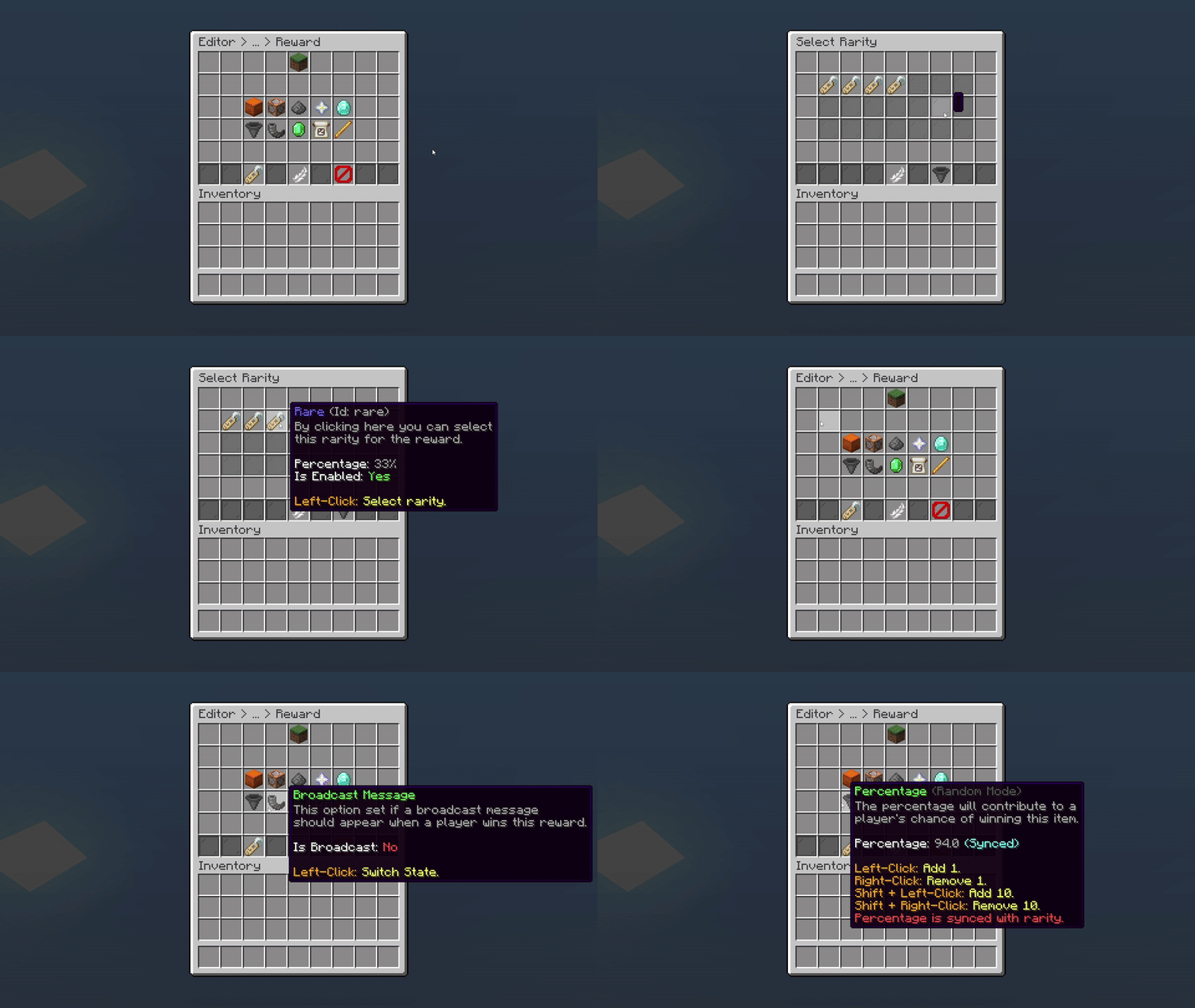
Editor > Crates > Rewards > Reward > Rarity
When you select a rarity for your reward, it will display the rarity's name in its lore. If you have also enabled percentage synchronization, the percentage will be displayed as well with a (Synced) next to it.

Editor > Crate > Rewards

Editor > Crate > Rewards > Reward
Oops... looks like the spiders padded through here
Add products to your cart and remove them from here Lets buy