



Oops... looks like the spiders padded through here
Add products to your cart and remove them from here Lets buy
On this page, you will find all the information about the creation of a crate
To create a crate, simply click on the stained glass and create your reward!
.png)
Crates Editor > Crates
Our crate plugin offers a variety of features to let you customize crates exactly how you want. It is highly versatile and easy to manage using our in-game editor.
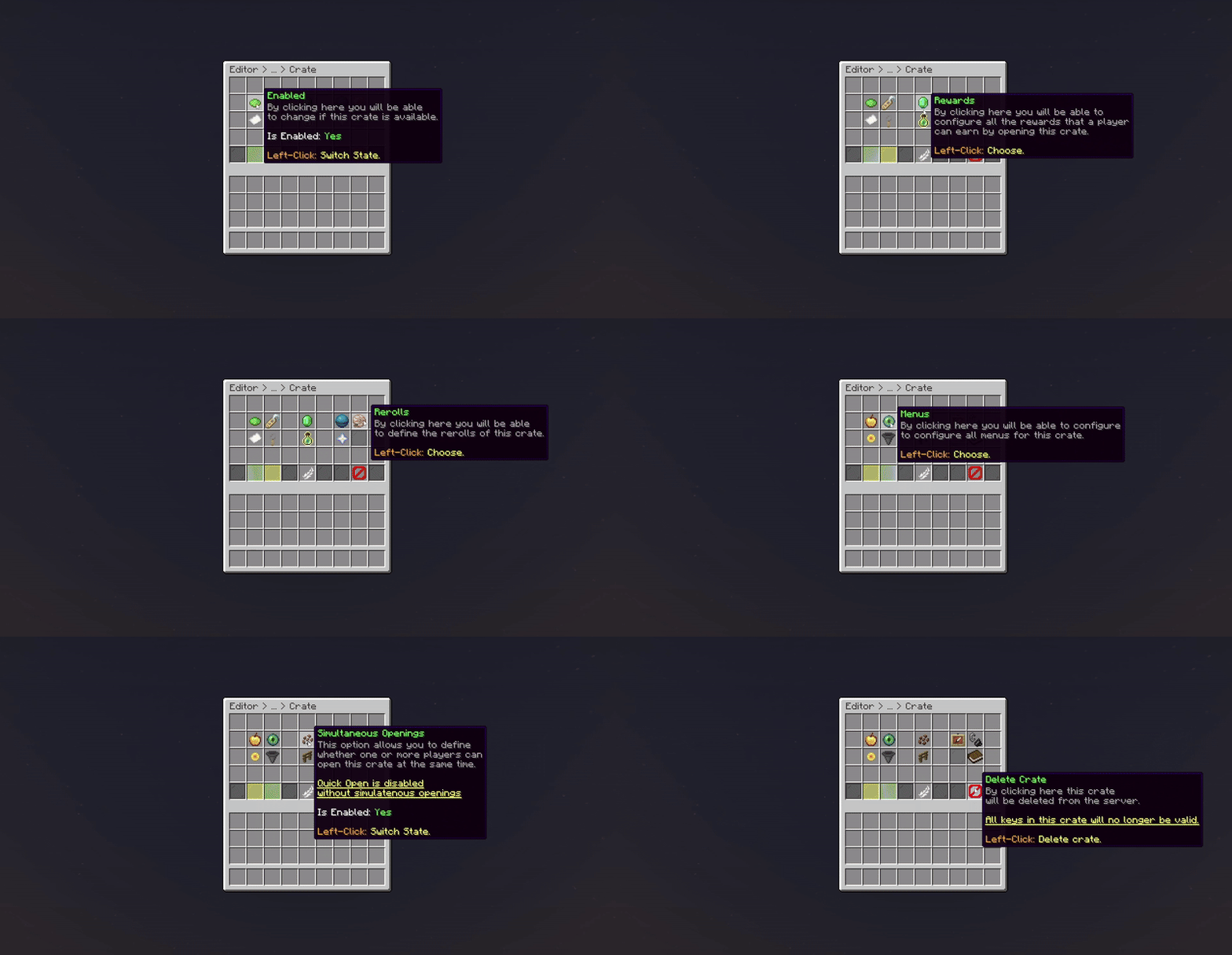
Crate (Crate Editor)
From here, you can quickly navigate to a specific feature related to crates.
| Features | Description |
|---|---|
| Identifier | Set a unique ID for your crate. |
| Display Name | Change the display name for the crate. |
| Linked Keys | Set the keys linked with your crate. |
| Engine Mode | Select which crate type the crate will use. |
| Block Material | Set the block material for the crate (Vanilla Block). |
| Animations | Select the animations for the crate. |
| Hologram | Adjust the hologram for the crate. |
| Rewards | Manage the rewards for the crate. |
| Rewards Mode | Select which reward type the crate will use. |
| Guaranteed Rewards | Manage the guaranteed rewards of the crate. |
| Rerolls | Manage the rerolls for the crate. |
| Preview Reward | Swap the state of preview reward. |
| Preview Menu | Change the preview menu for the crate. |
| Others | Extra configuration for the crate. |
| Broadcast Message | Adjust the broadcast message for the crate. |
| Clone Crate | Duplicate your crate. |
| Delete Crate | Quick delete the crate. |
| Attach Block | Attach the crate to a block. |
| Enabled | Swap the status of the crate. |
Oops... looks like the spiders padded through here
Add products to your cart and remove them from here Lets buy